Hi! I’m new here!
I’m trying to import a game/world that I worked on locally, for a session that we plan on having tomorrow at 2pm Eastern. It’s currently 8:25pm Eastern. (Yes, I know, nothing like the 11th hour.)
I started by going to My Foundry > Games Configuration, where I saw the default Forge server banner. I scrolled down to Foundry VTT Server Version and set it to v12 Closing (Build 343), because I am using some modules that are not yet compatible with version 13.
Then I followed the instructions for importing as shown here:
Meaning that I turned OFF my local version of Foundry VTT and my local server BEFORE importing.
Next, I began importing my game/world which is called “Here There Be Dragons” for D&D 5e. The four oversized assets are all tokens and should not affect the import or accessibility of the game.
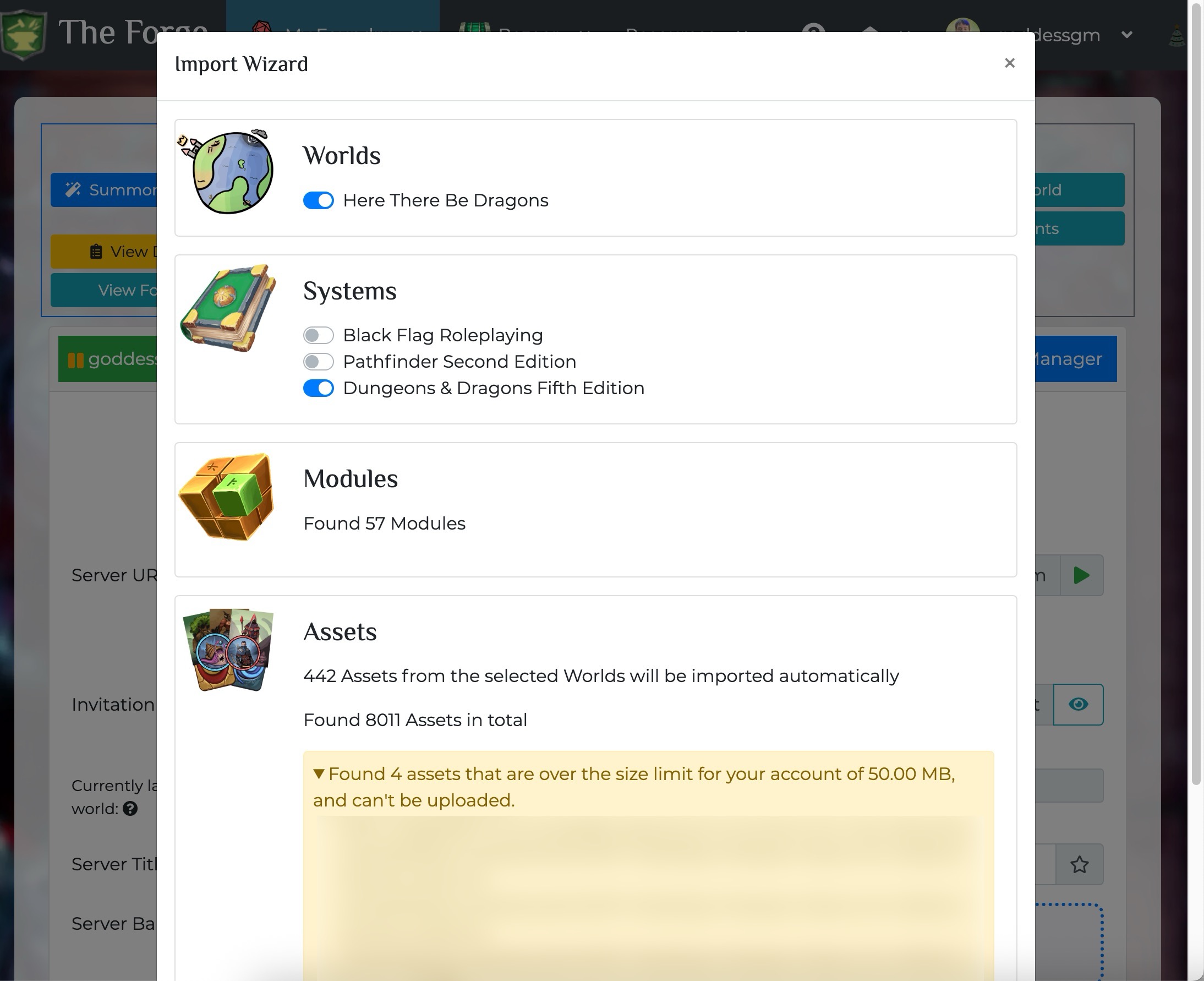
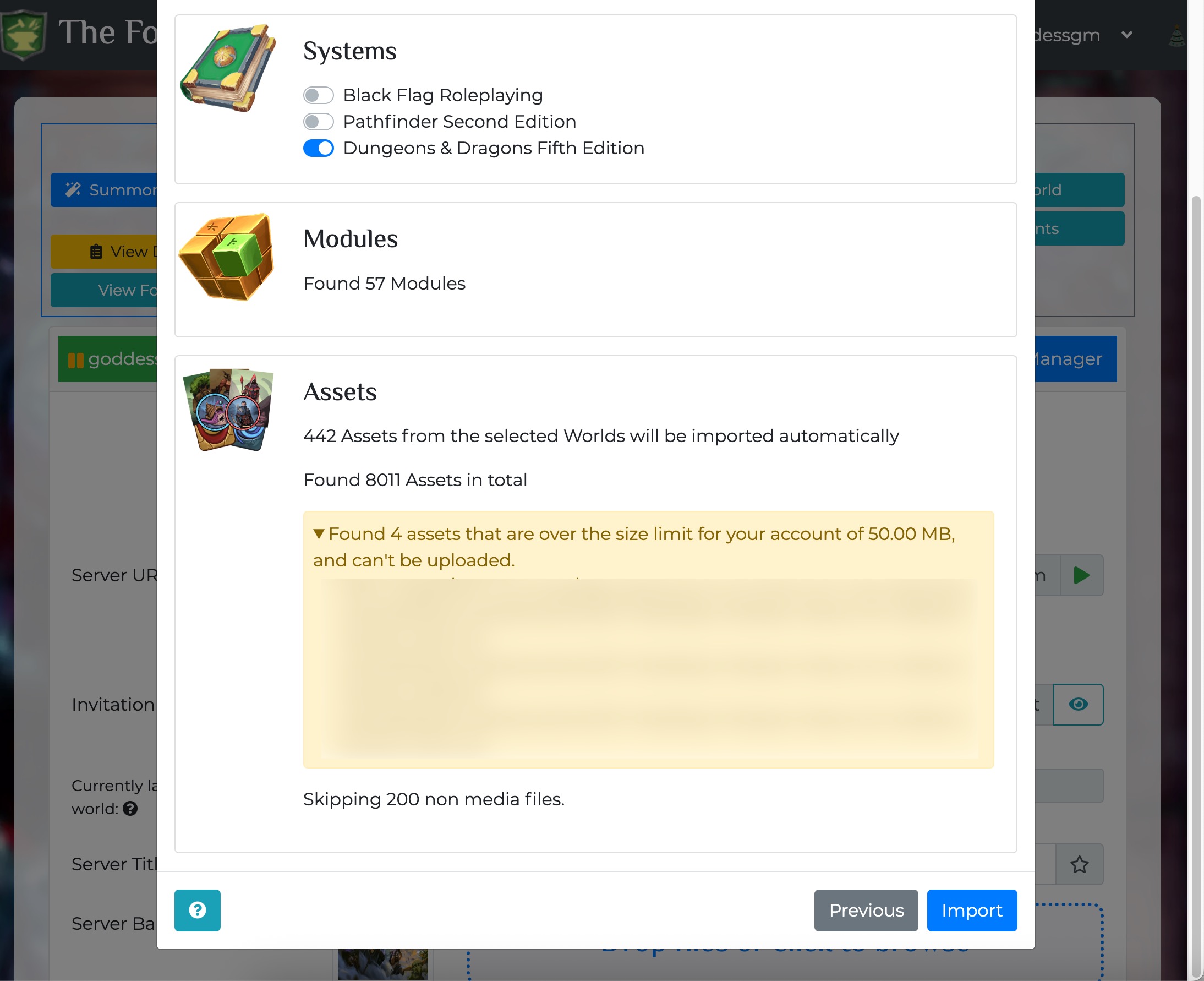
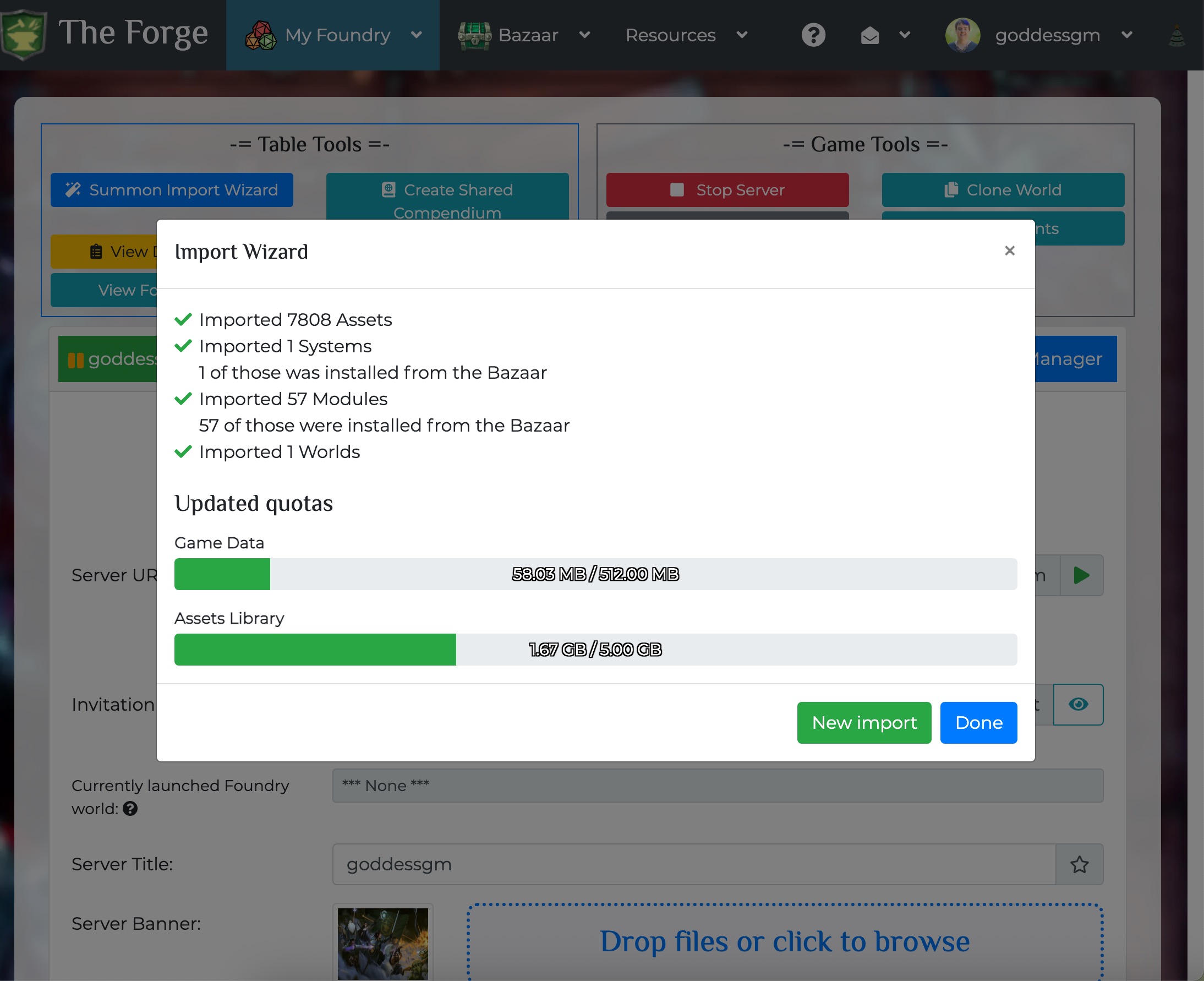
I got the import success screen that reported all is well and clicked Done.
Then I went to My Foundry > My Games. I see the Forge banner there, but nothing specific to my game, called Here There Be Dragons which is very loosely based on Dragons of Icespire Peak (DoIP) and has it’s own banner that’s similar to the DoIP cover art.
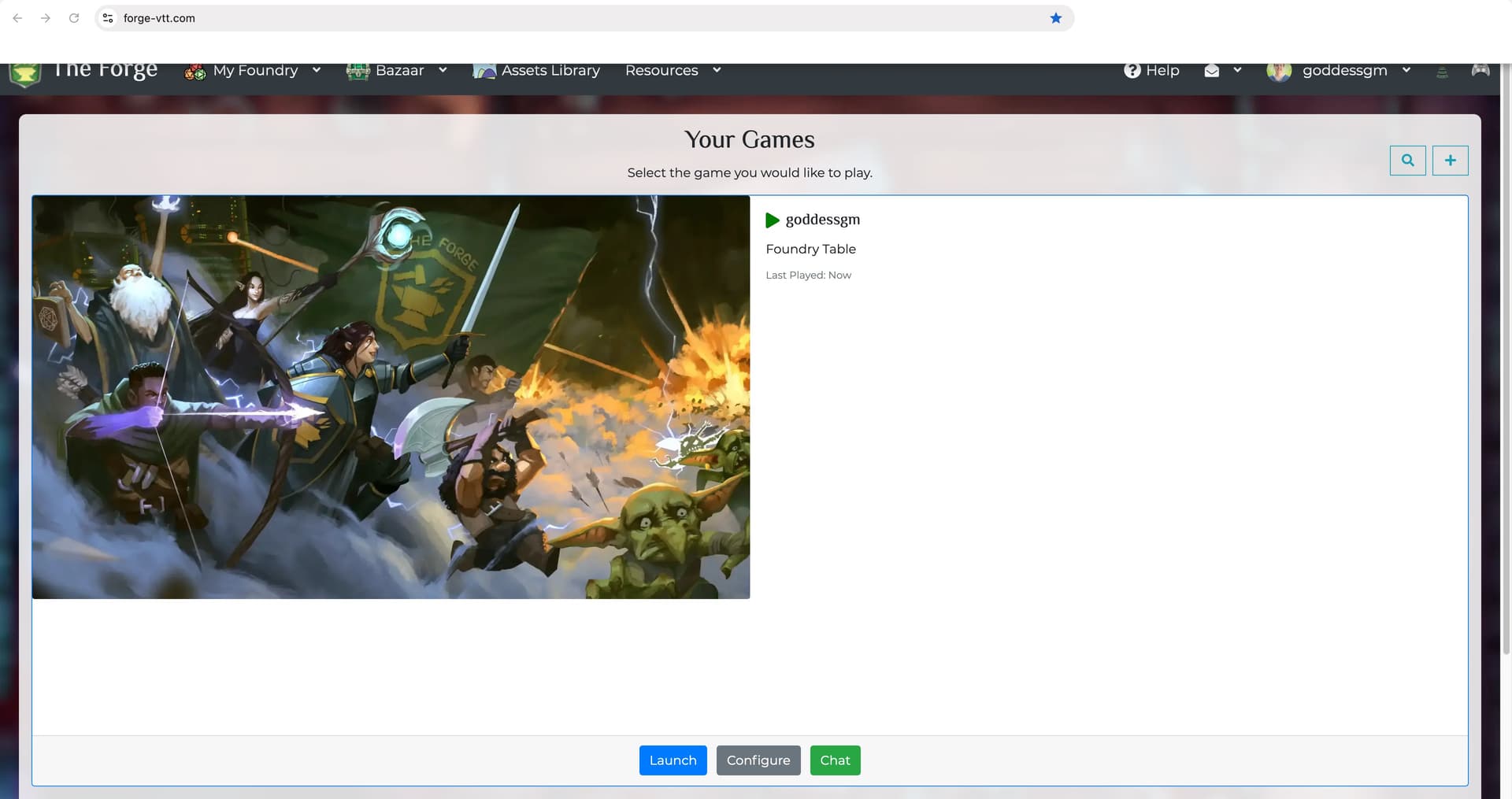
Is this what it’s supposed to look like? Should I see anything at all that says “Here There Be Dragons” on this “Your Games” screen? Or should I see some version of the “cover art”?
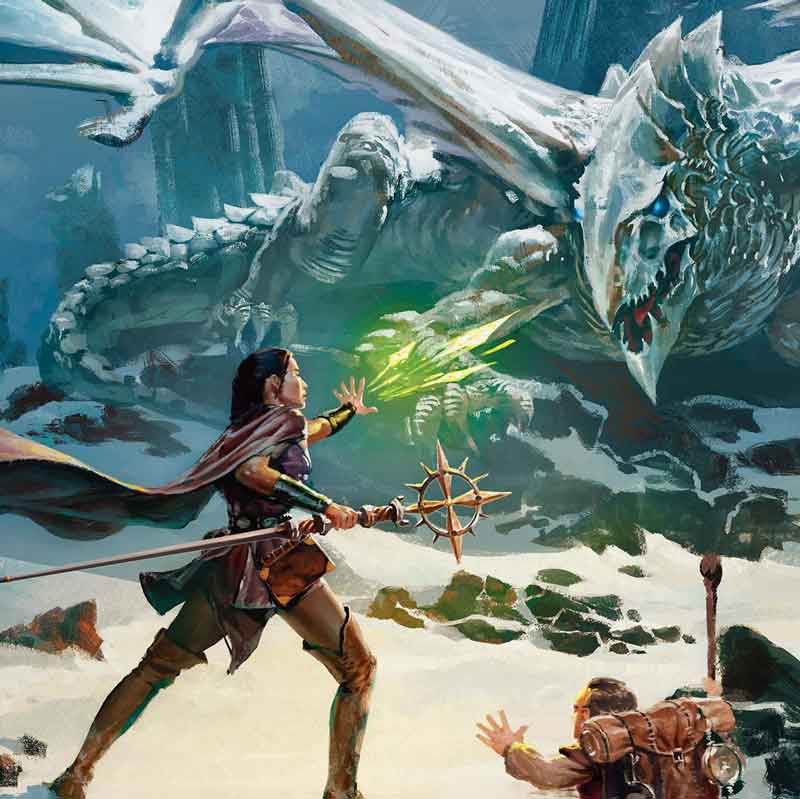
This is what my Here There Be Dragons (HTBD) cover art looks like because I’m not very original… but I don’t see it anywhere.
And, if I select launch, I get the Foundry VTT splash page for a LONG LONG LONG time but nothing ever happens. I never get a login screen.
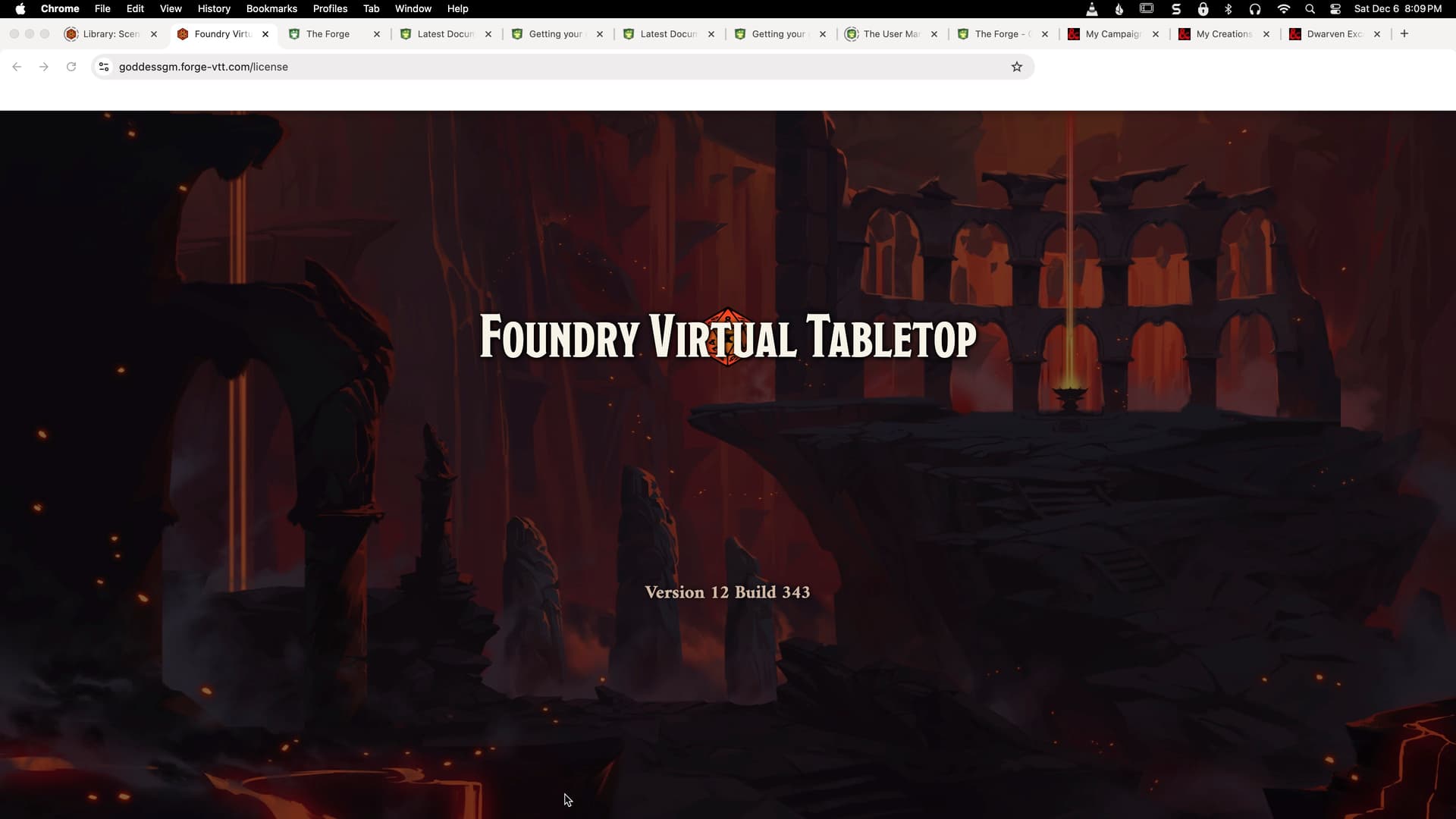
Yay! The version is right! (V12.343)
I was expecting to eventually get the Foundry VTT Admin Access Required Screen, like I do here locally, as shown below. But this NEVER happened here at The Forge.

Do I need to somehow configure myself as the GM?
Do I need to login as Admin someplace else?
I feel like I’m missing something, but I don’t know what.
Any ideas? Thoughts? Suggestions? Tutorials???
Thank you in advance!
