I’m sorry, I don’t think I was clear. Let me start over.
Hi,
I have a Game Master account. I realize this is the lowest subscription tier, and I’m not able to use the excellent tools The Forge created to help automate the management of Foundry. Due to my subscription tier, I must manage Foundry directly, which suits my needs for the one game I created.
When initially creating my game, I followed instructions I found in The Forge Tavern (the official forum) on how to set up a game world. At some point, I goofed up and started over, which meant that I now have two worlds created. I am successfully running one Pathfinder campaign, thanks to the fabulous hosting service The Forge offers. However, I have an unused world still configured.
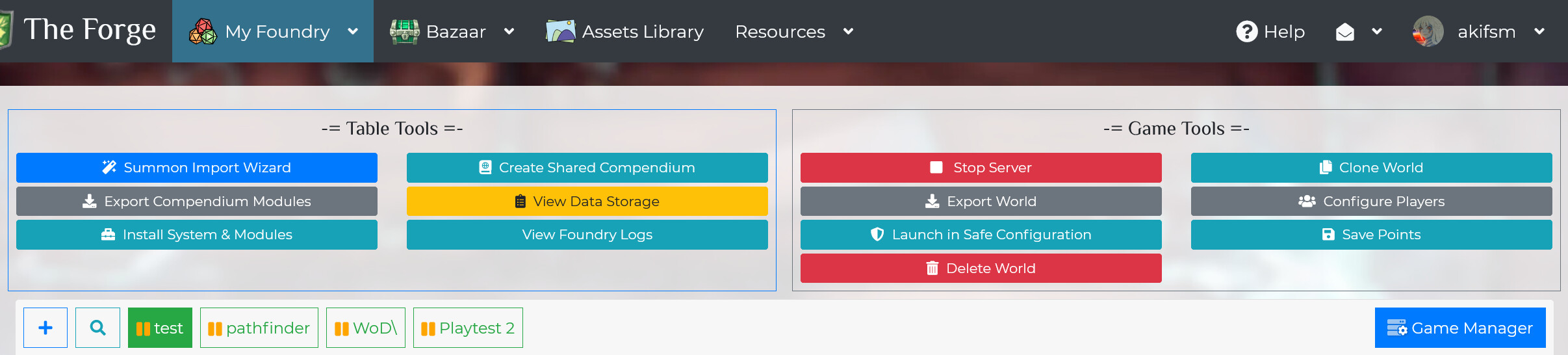
I am looking for information on how to delete an unwanted game world with a Game Master subscription tier. I understand, based on previous comments, that if I paid for a Story Teller account, I could use the Game Manager, a fantastic service offered by The Forge, which provides the option “Delete World” under the “Games Tools” section of the Game Configuration page. However, I do not have the Story Teller subscription tier, which is needed to take full advantage of The Forge’s excellent tools. As any other subscription tier is overkill for my needs, I do not wish to upgrade my subscription at this time.
I have been unsuccessful in finding information on how to delete a world with a Game Master subscription tier account. In an effort to figure out how to delete the unwanted world from my account, I deleted the data associated with the unwanted world by using the “Table Tools” option “View Data Storage,” then selected the delete button (trash can icon) for the unwanted world. Deleting the data, however, did not delete the unwanted world as I had hoped. There doesn’t appear to be any other intuitive way to delete a game world on a Game Master subscription tier account.
Is there a way to delete a game world with a Game Master account in The Forge?
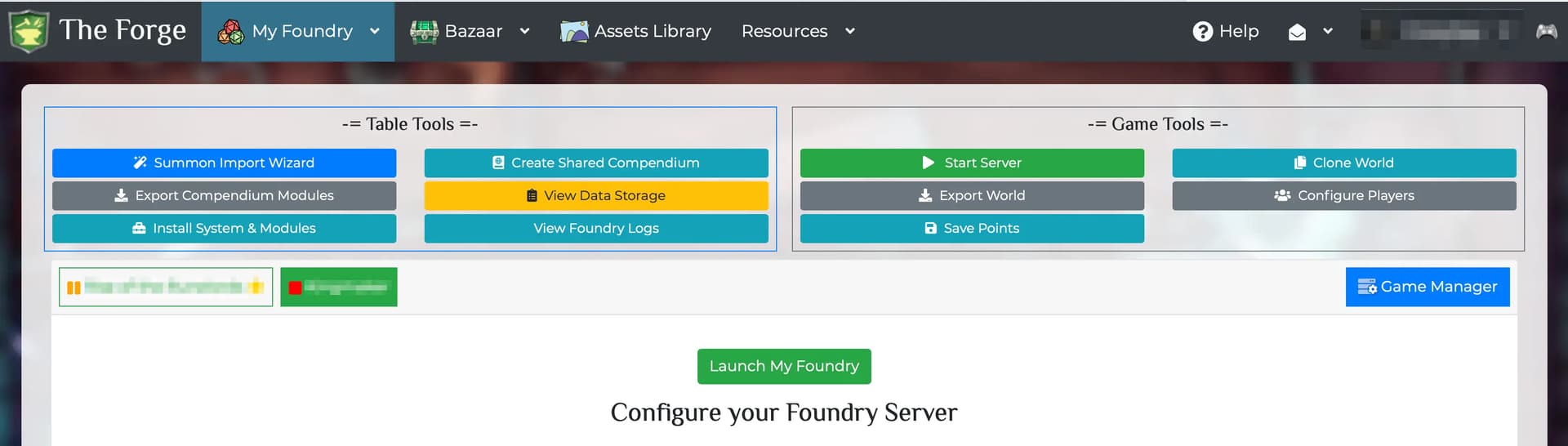
For more visual context:
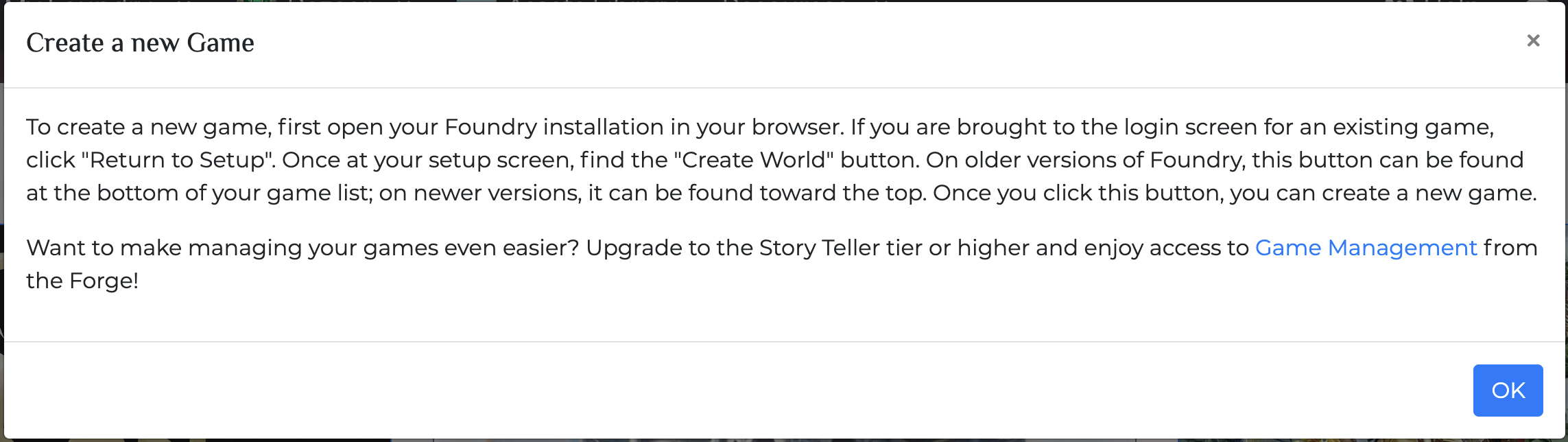
This is how I created the unwanted Game World:
These are the options available on the “My Games” page for the unwanted game world:
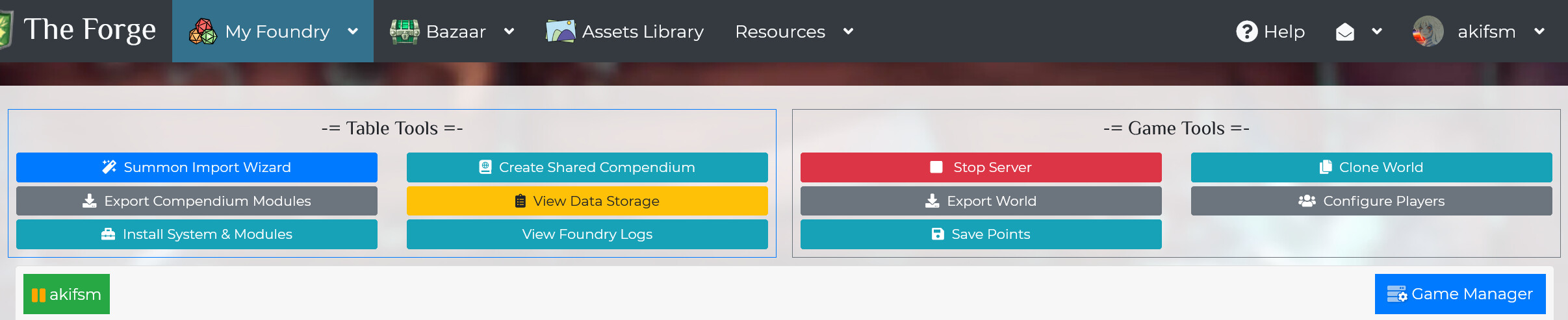
And these are the options I have available to me on the Game Configuration page: