Hi,
since updating to Foundry VTT v14.367, my Image Browser only shows User Data and Core Data. My Forge Assets Library is no longer available as a source in the browser.
The Assets Library itself is intact and all my folders are visible from the Forge website.
The Forge: More Awesomeness is enabled.
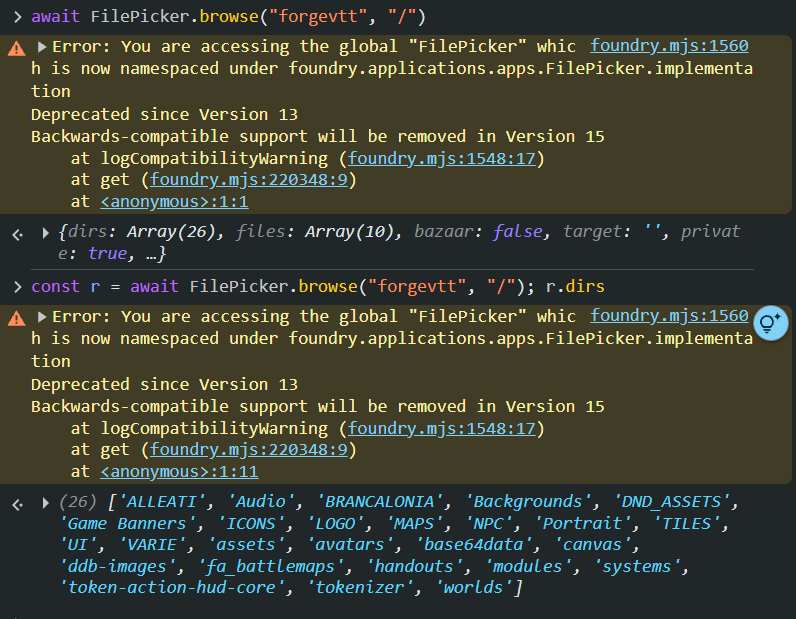
I also tested the Forge source directly from the browser console:
await FilePicker.browse("forgevtt", "/")
and it works correctly, returning my folders and files. For example, r.dirs returns 26 directories including Backgrounds, DND_ASSETS, MAPS, NPC, Portrait, TILES, etc.
So the forgevtt source is available and accessible, but it does not appear in the Foundry v14.367 Image Browser UI.
This occurs across different worlds, not just one specific world.
Is this a known issue with the v14.367 File Browser integration?